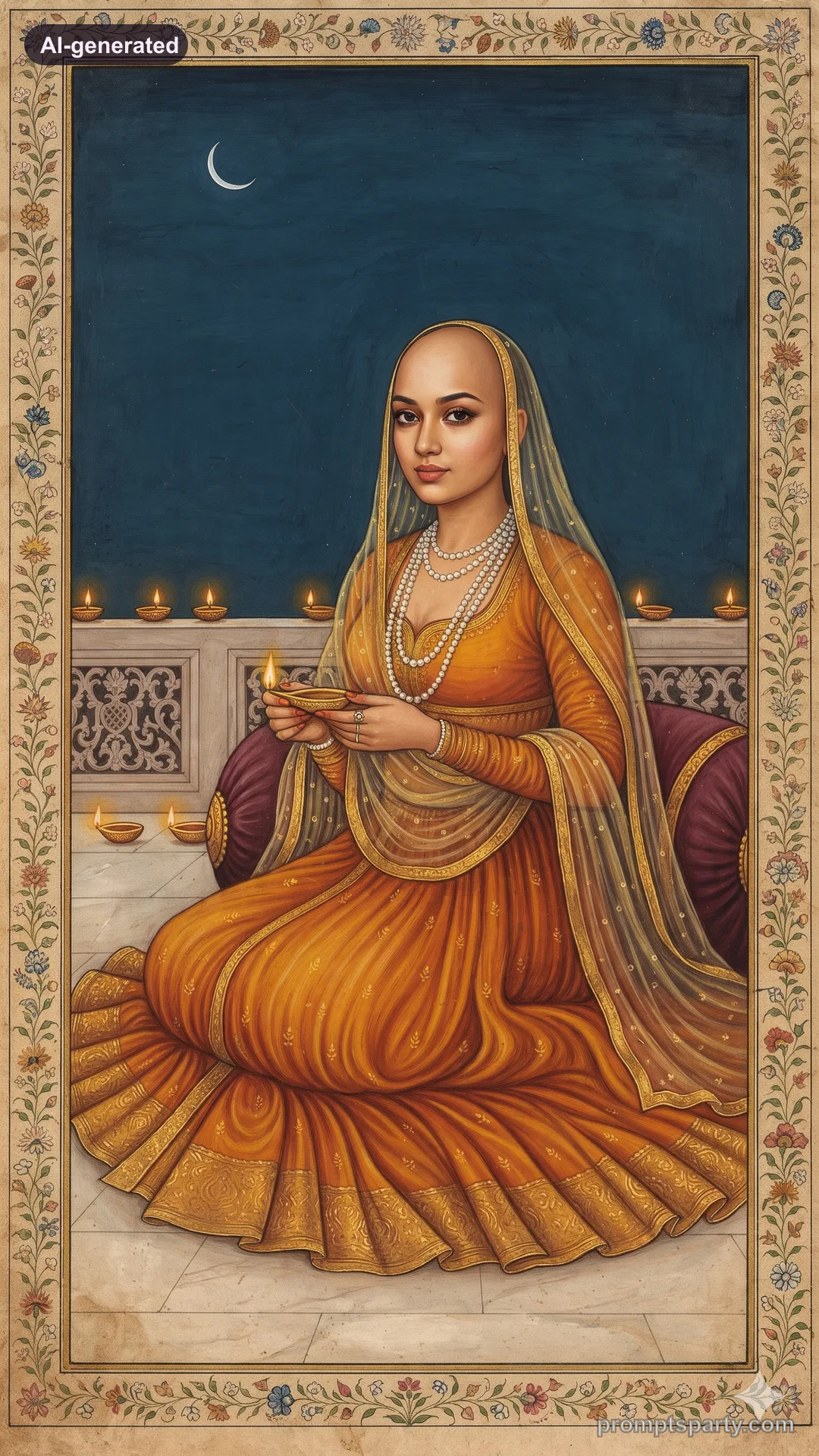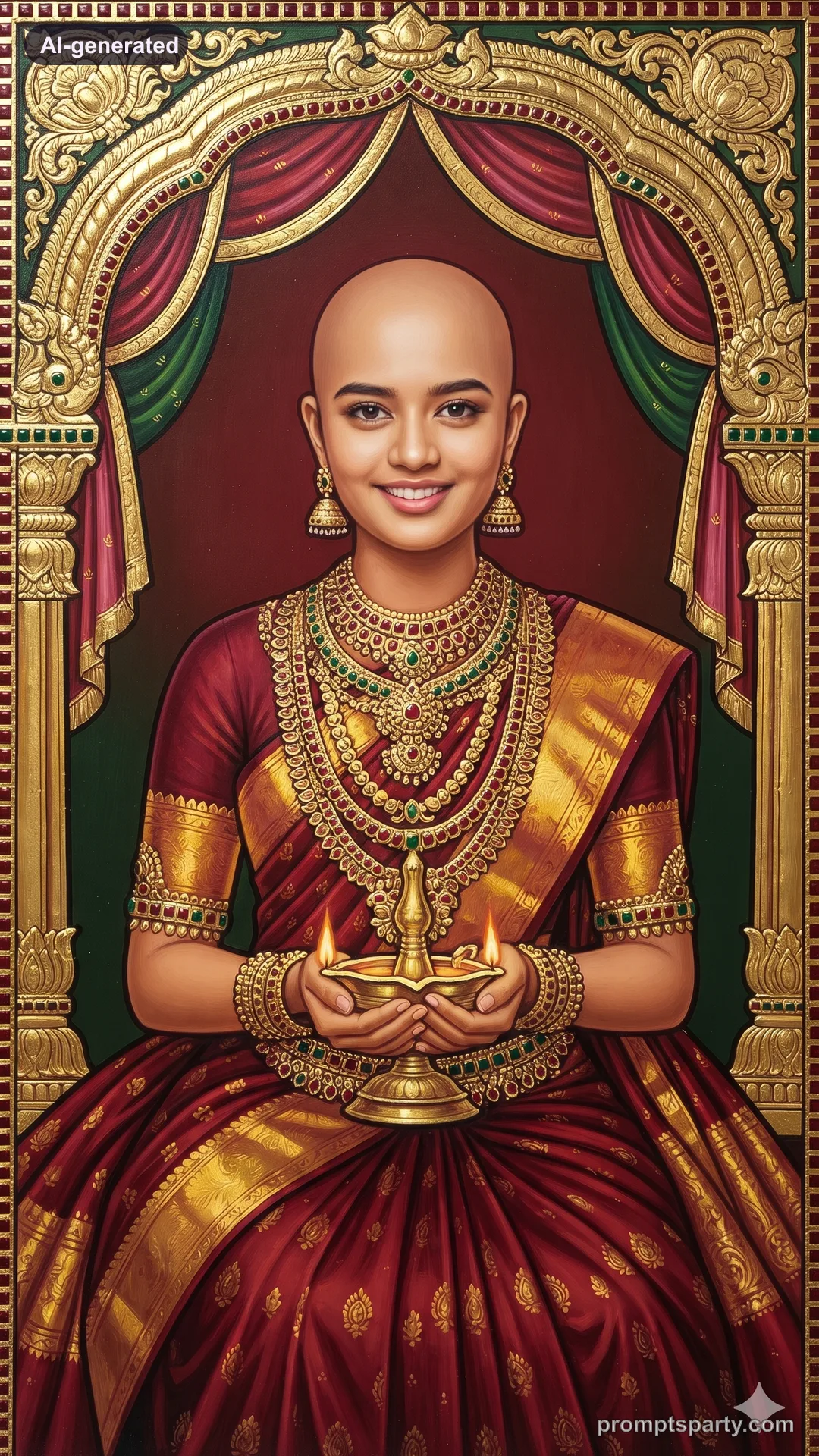

Diwali Watercolour Illustration Portrait AI Photo Prompt
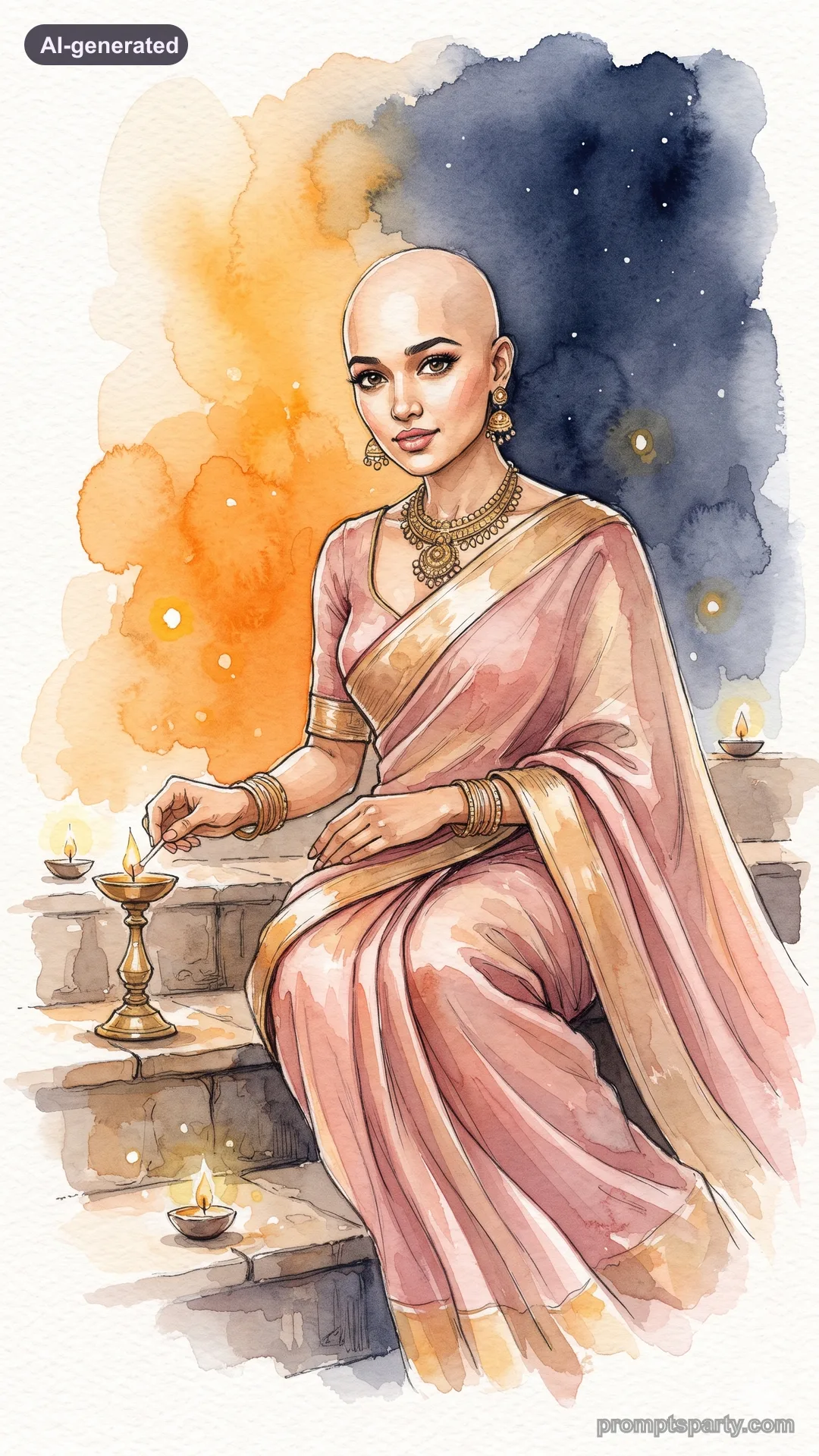
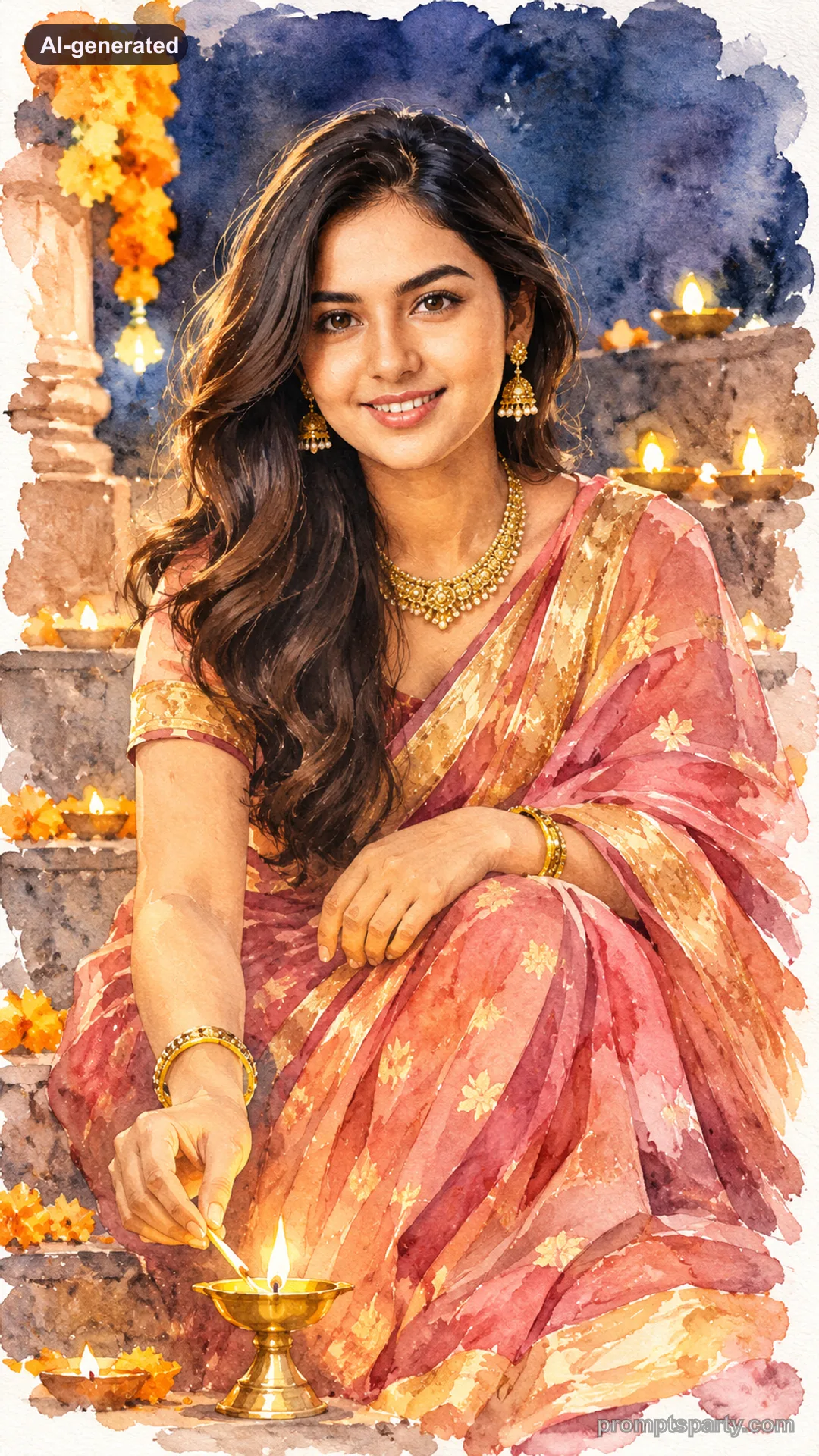
Turn your photo into a soft, original watercolour illustration lighting diyas. Upload your photo to Gemini or ChatGPT.
 AI-generated
 AI-generated
The prompt
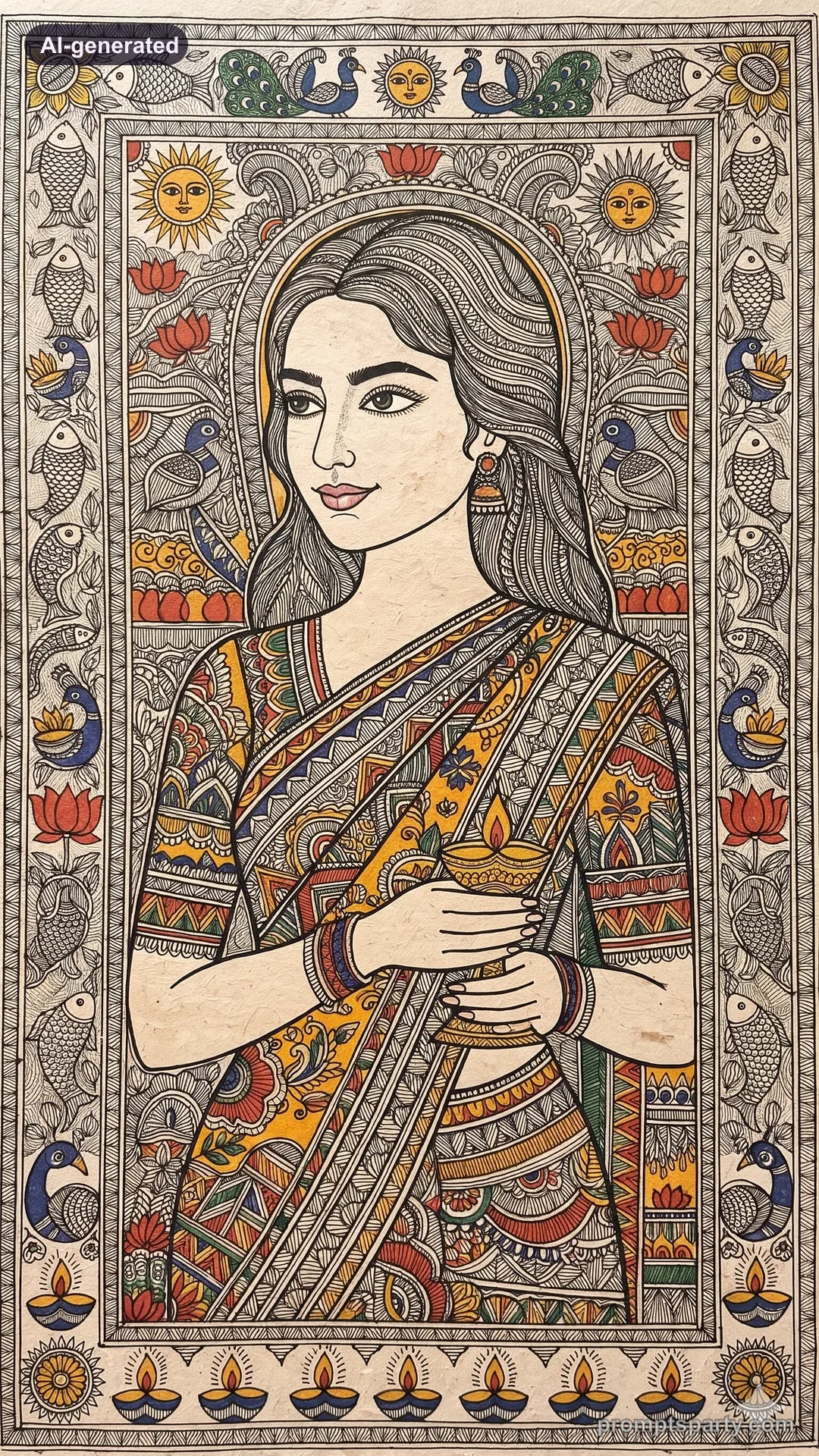
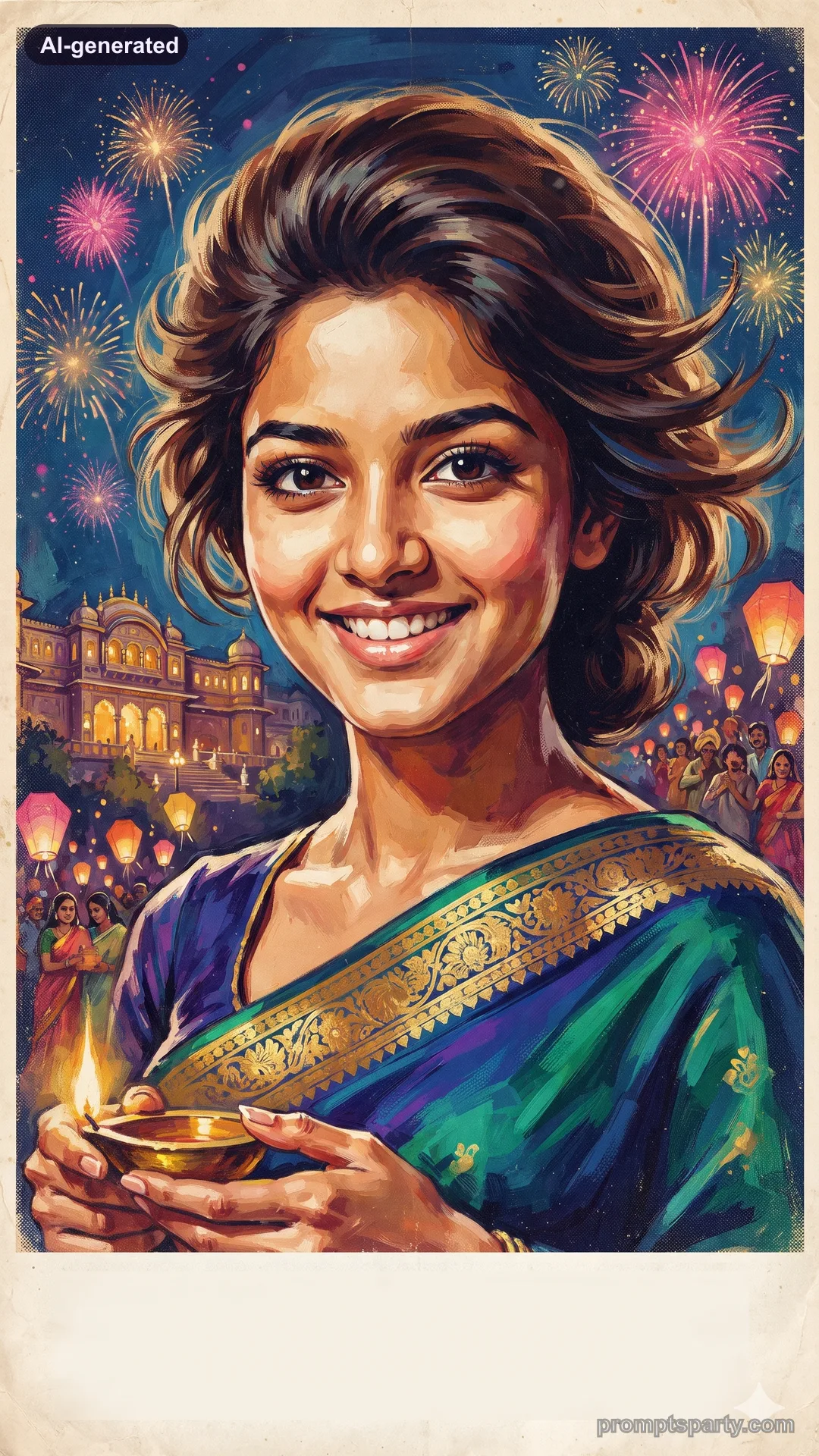
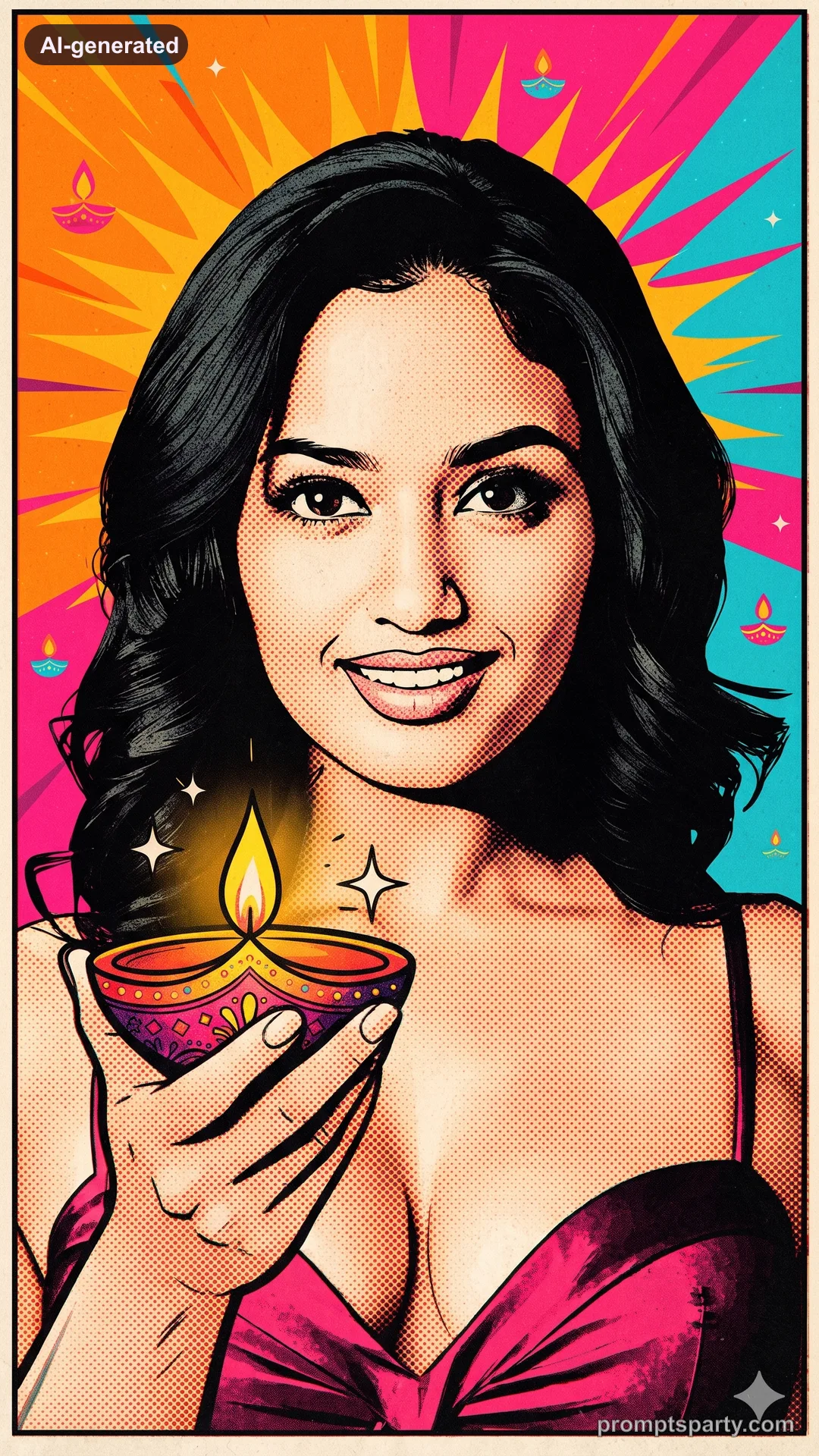
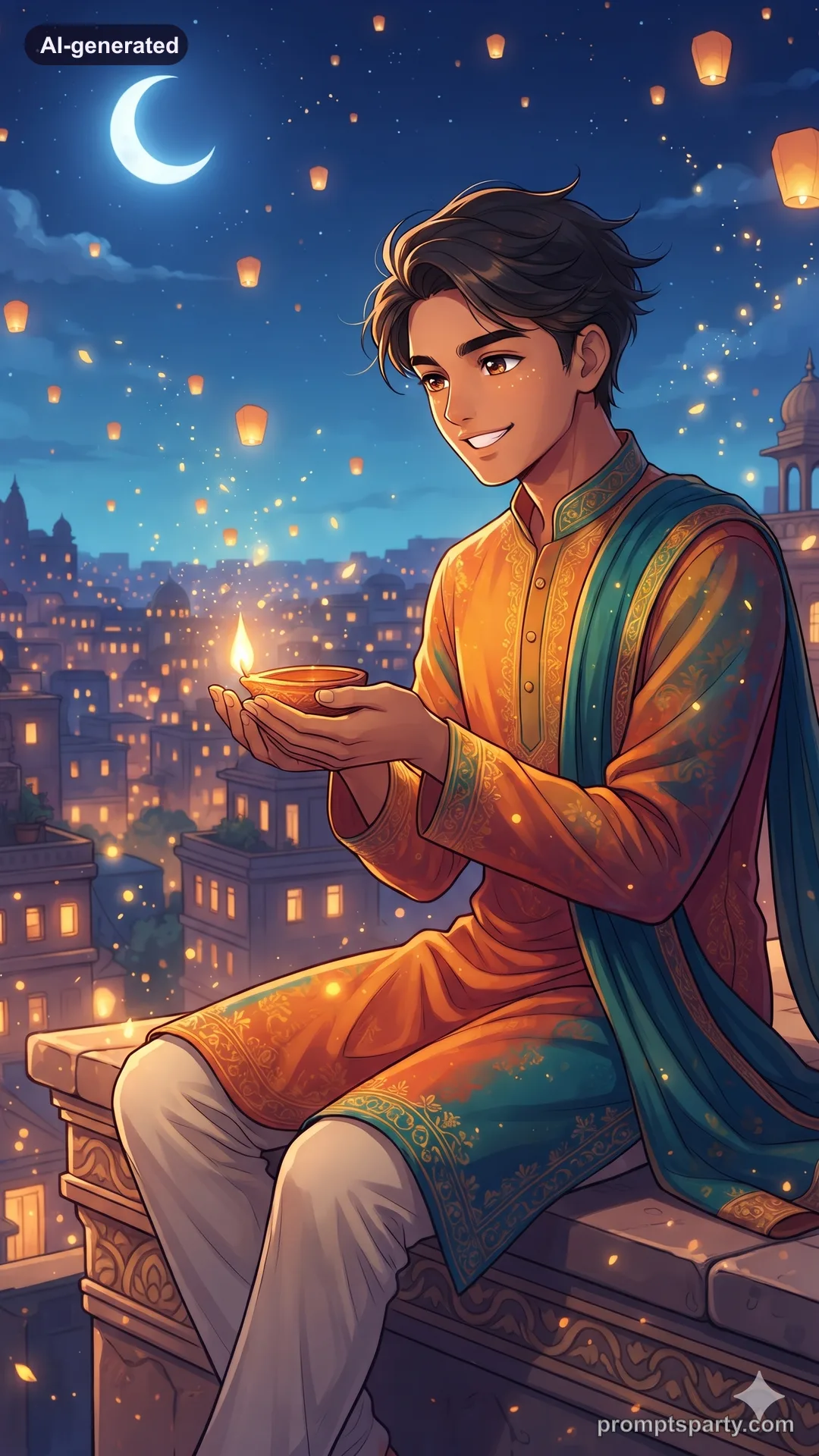
Keep the person's face, features, skin tone and expression exactly as in the uploaded photo, so friends recognise them instantly; change only clothing, styling, setting and light. Paint the person as a loose, original watercolour illustration on cold-press paper: soft washes, visible paper grain, gentle colour blooms and a few crisp ink details on eyes, lips and jewellery. They sit on steps lighting a diya in a flowing saree or kurta in rose and gold; around them, washes of marigold orange and indigo night, small diyas painted as bright gold dots with white highlights left unpainted. The face keeps their exact features and skin tone with delicate shading. White paper margins fade at the edges. No text, no signature. Aspect ratio 9:16.
Couple
Paint the couple sitting on the steps lighting diyas together.
Monochrome
Use only indigo washes with gold diya dots for a two-colour look.
Tips
- Watercolour styles soften faces; say "crisp ink details on eyes" to keep likeness.
- Great for printable Diwali cards.
FAQ
Will the face still look like me?
Yes. Ink details on the eyes and lips keep your likeness.
Can I use it as a card?
Yes. Print it on textured paper for a handmade look.
Did it work for you?
Only use photos you have permission to use. Sample images are AI-generated with our house models.