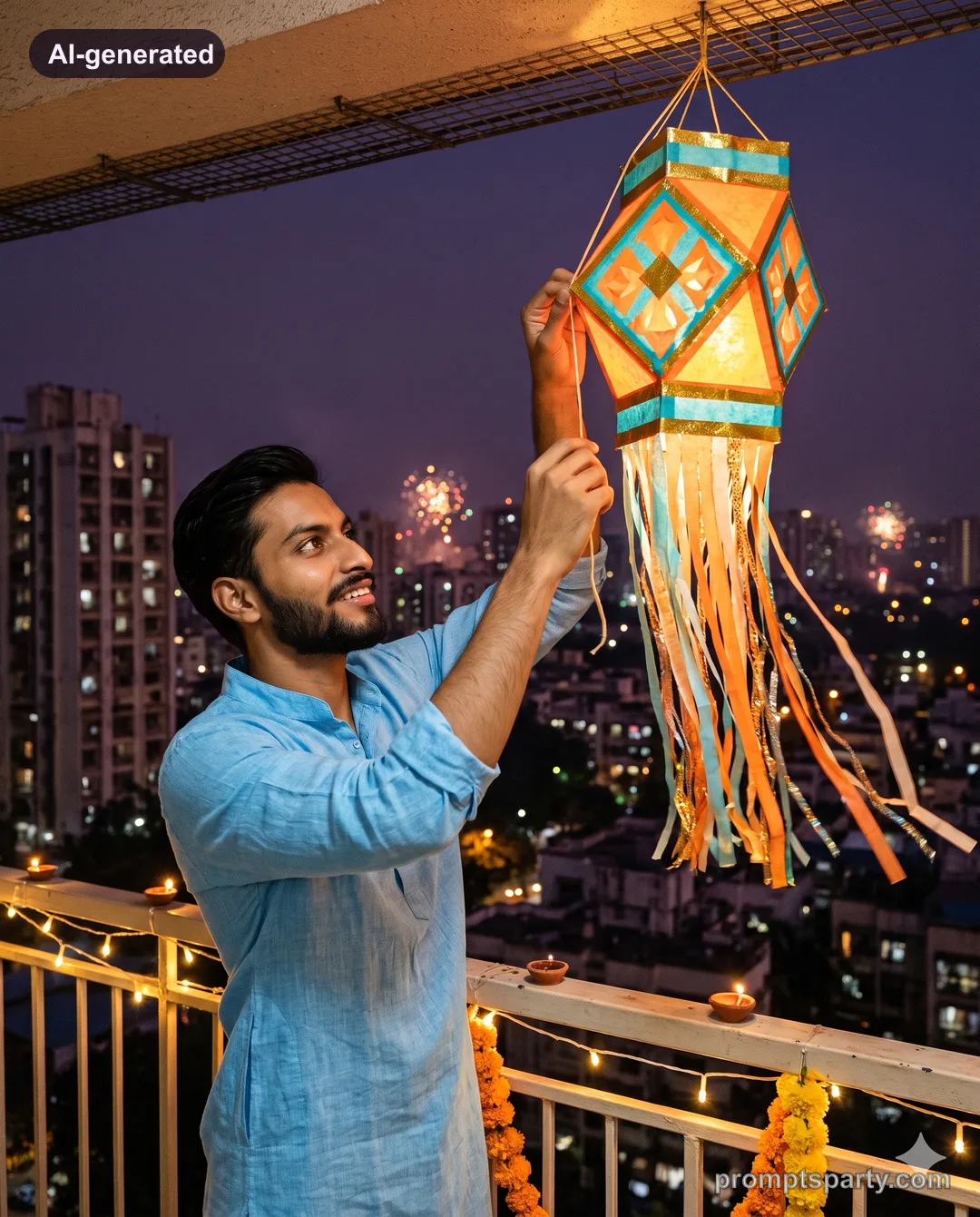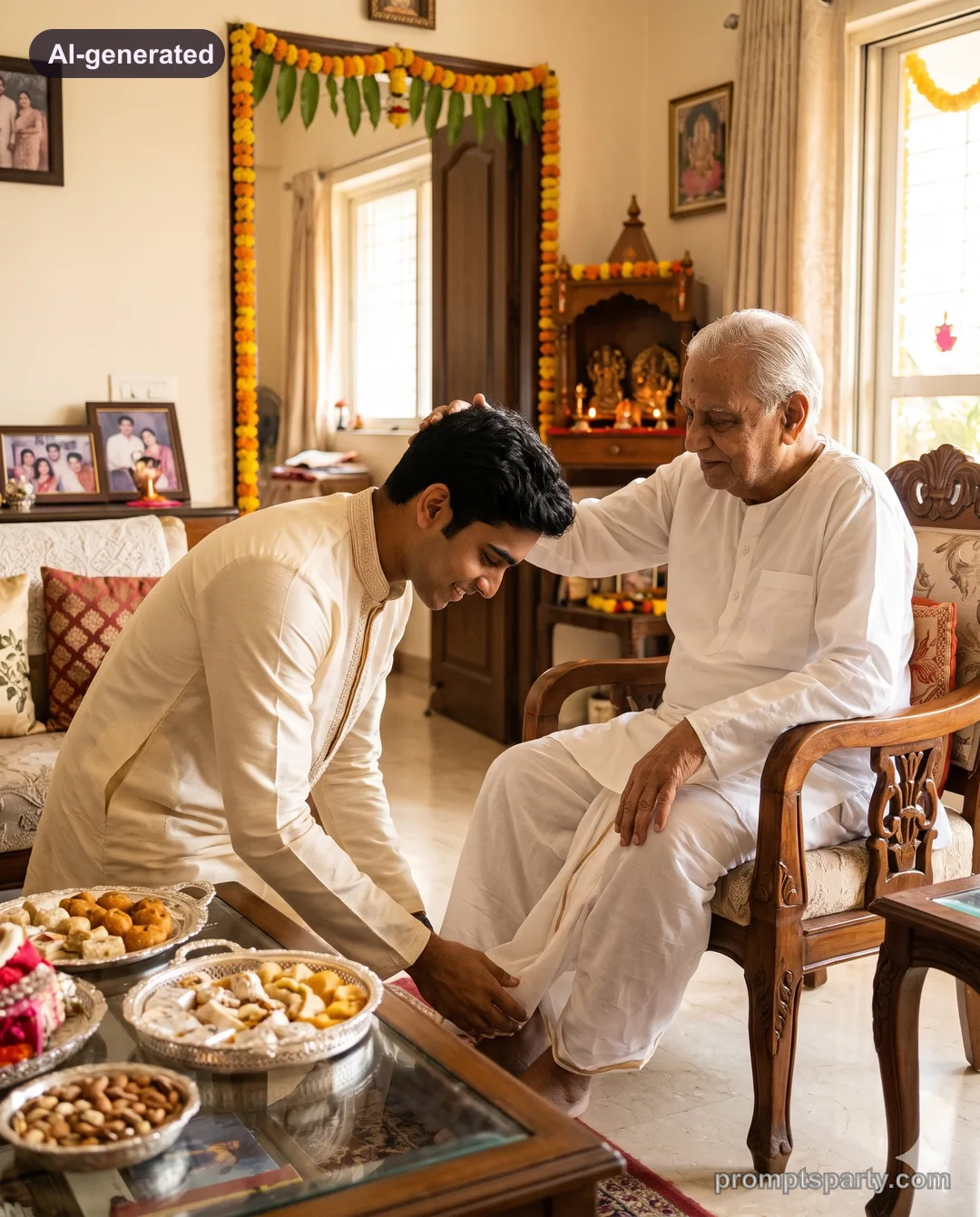

Diwali Office Party Ethnic Day Team AI Photo Prompt
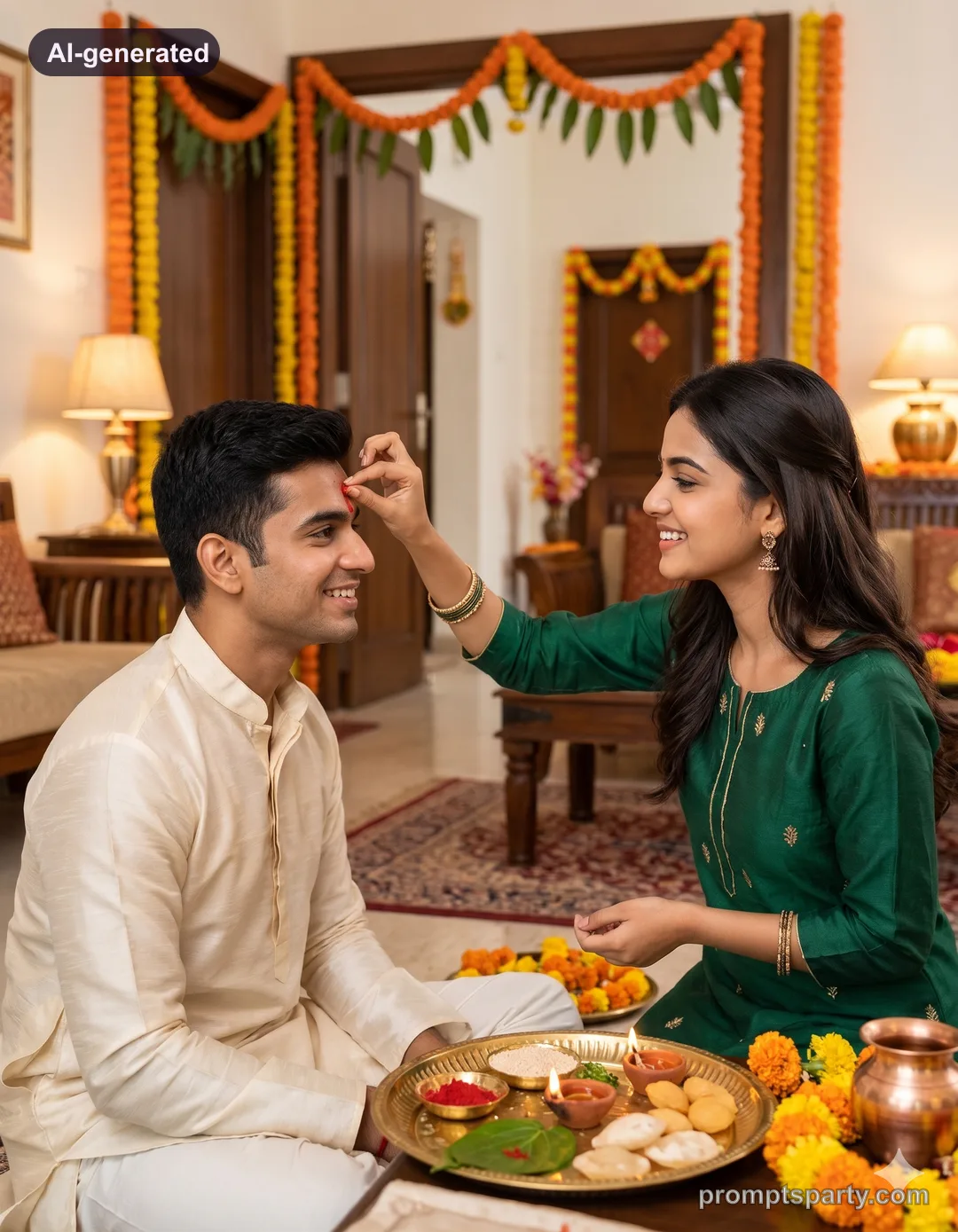
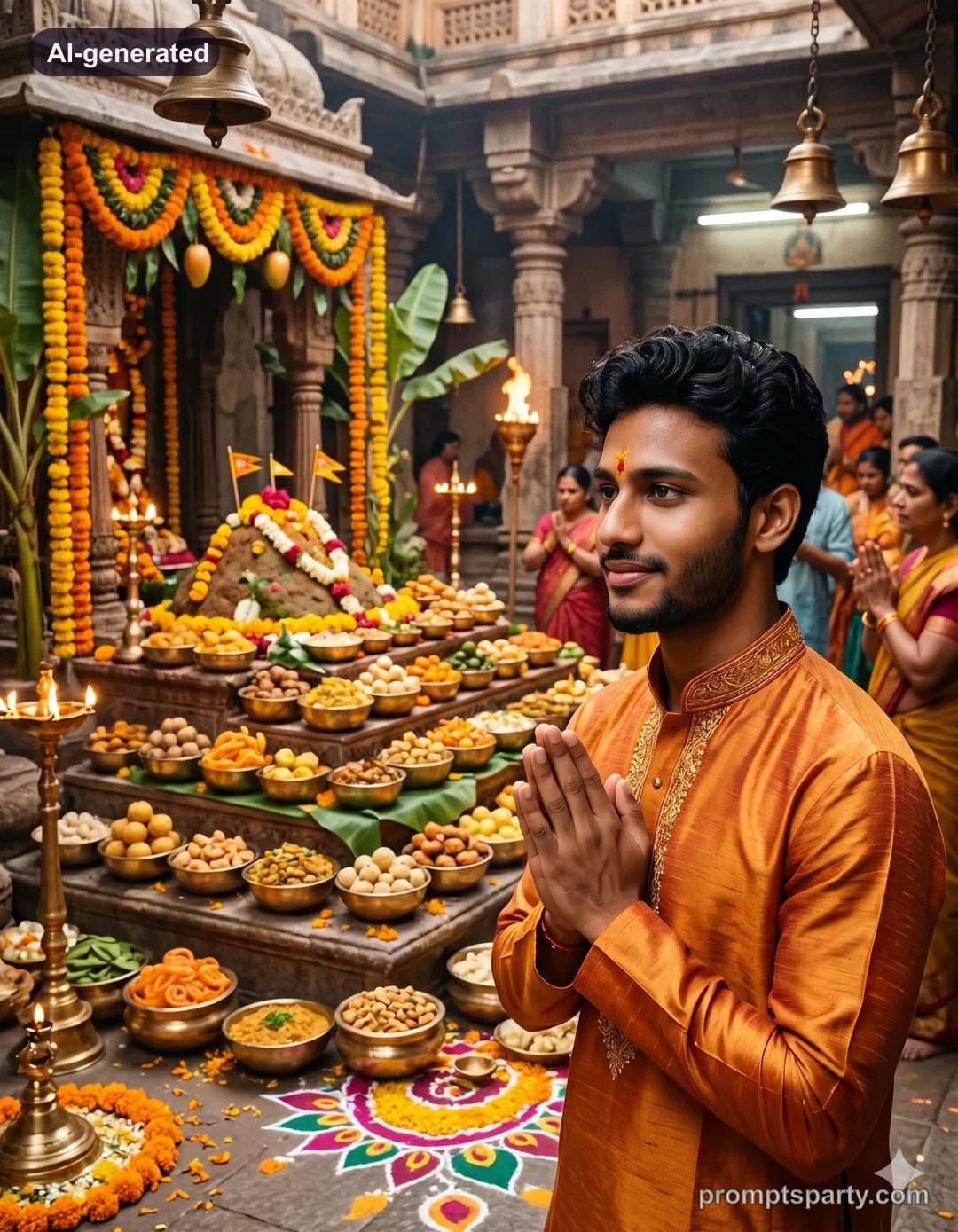
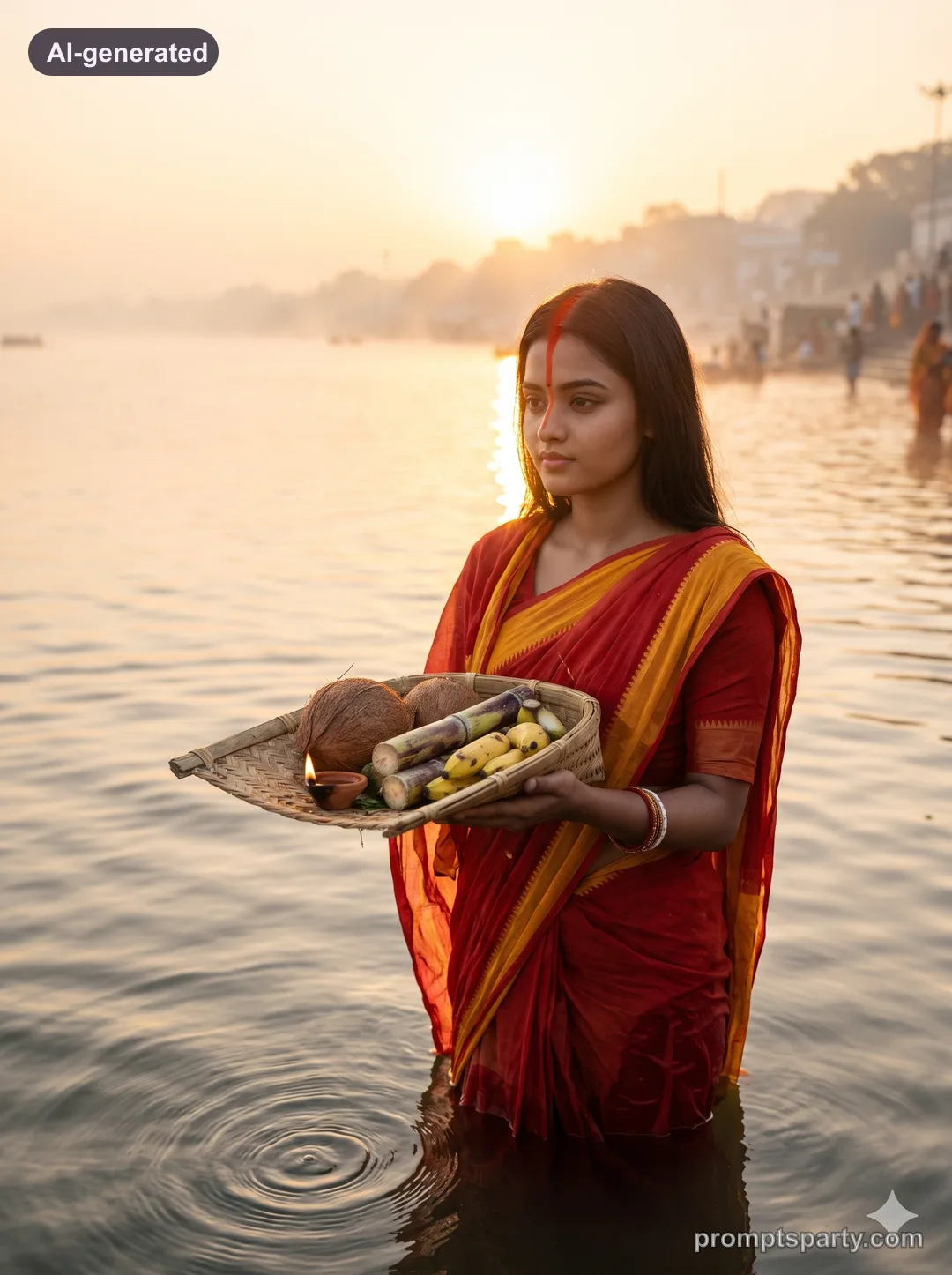
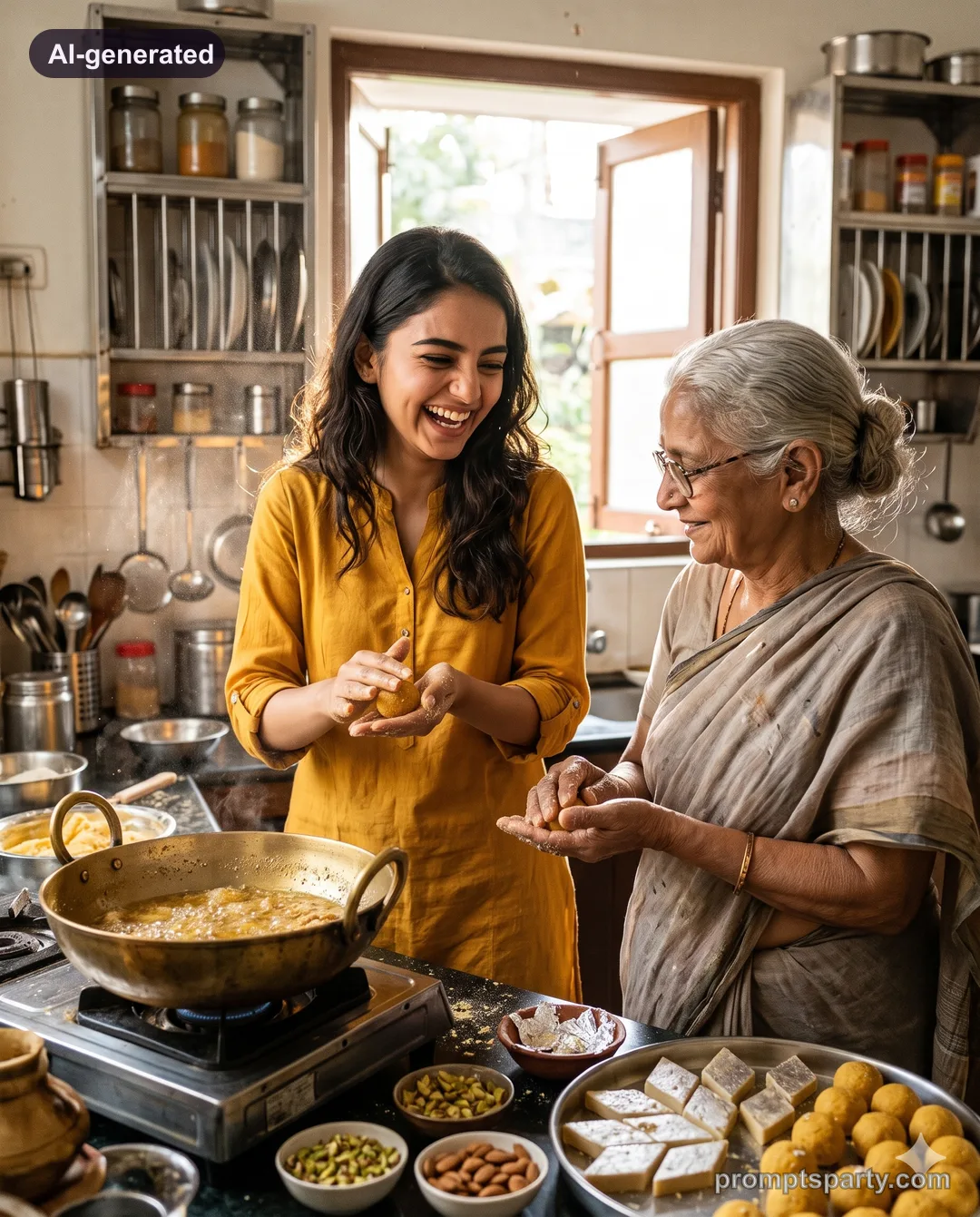
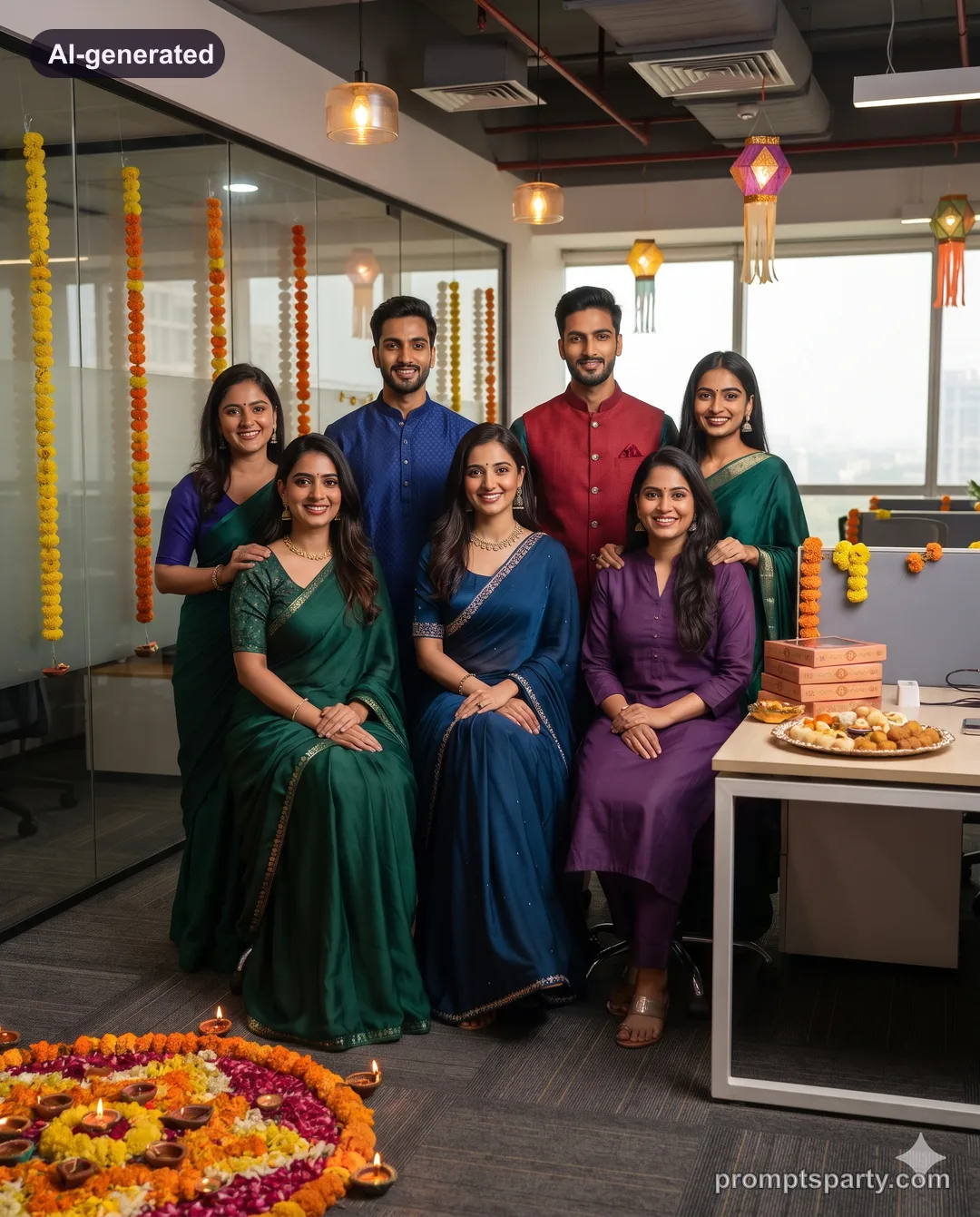
Turn your team photo into a polished office Diwali ethnic-day group portrait with marigold decor. Upload one group photo to Gemini or ChatGPT.
 AI-generated
 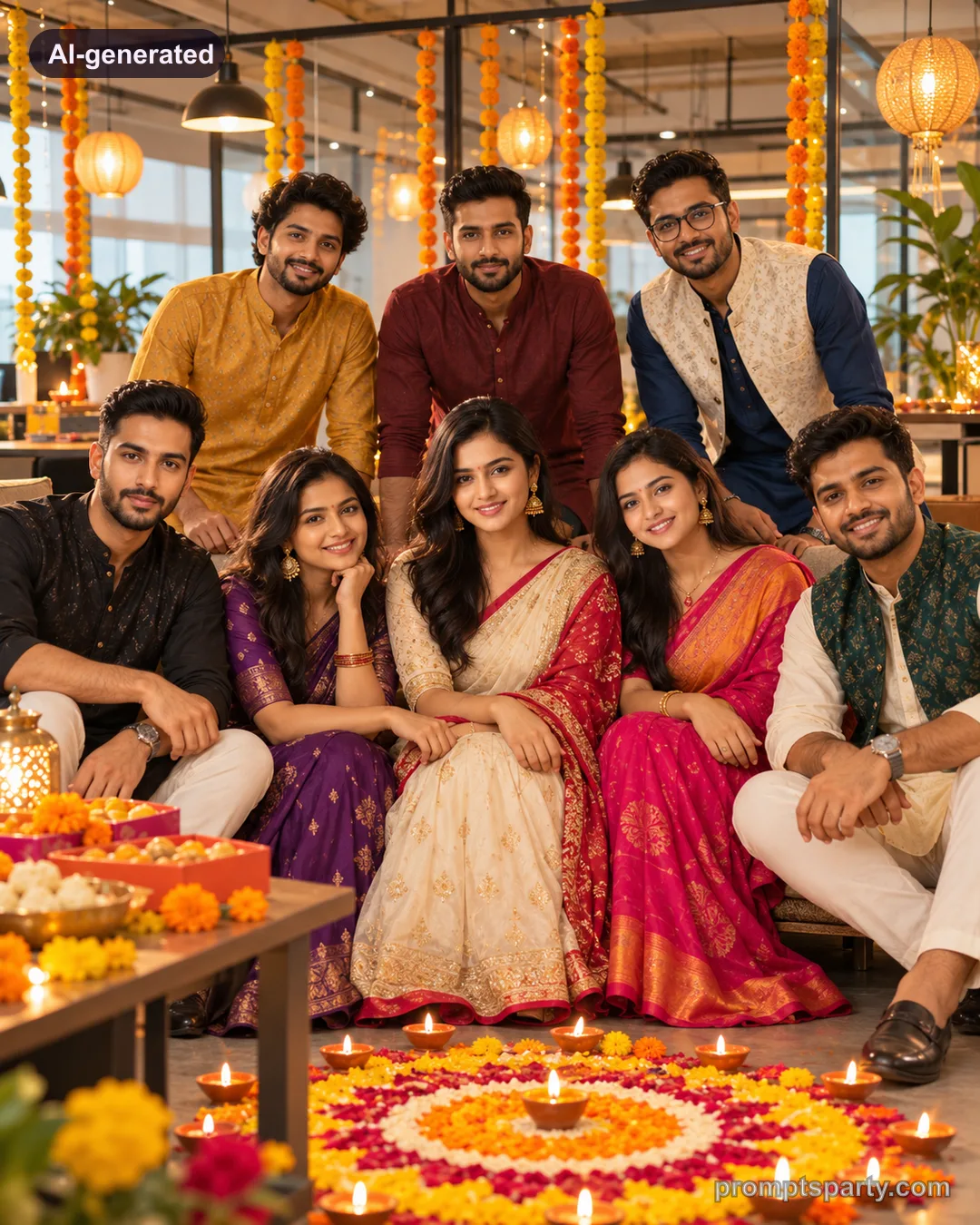 AI-generated
 The prompt
Use the uploaded group photo as the face reference. Keep every person's face, features, skin tone, age and expression exactly as in the uploaded photo; same number of people, nobody added, removed or merged. Arrange the colleagues in a relaxed two-row group in a modern open-plan office decorated for Diwali: marigold strings over glass partitions, paper lanterns, a large flower rangoli on the floor with diyas, and a table of mithai boxes. Everyone wears ethnic day outfits in jewel tones: sarees, anarkalis, kurtas and nehru jackets, coordinated but not matching. Warm 3000K pendant lights mixed with soft daylight from big windows. 28mm f/4, eye level, everyone in focus, natural smiles, crisp corporate-lifestyle grade. No company logos, no screens with text, no extra people. Photorealistic, real-camera look: visible skin texture and pores, natural catchlights, accurate hands, crisp textile detail, no airbrushing, no cartoon look, no logos or watermark. Aspect ratio 4:5.
Desk portrait
Show one person at a desk decorated with a mini rangoli, LED diyas and a marigold garland on the monitor, smiling at the camera in a kurta.
Selfie style
Make it a wide group selfie taken by the person in front, arms outstretched, everyone laughing.
Tips
- Use a group photo where nobody is cut off at the edges.
- Real diyas are banned in many offices; ask for "LED diyas" if you want it to look realistic.
FAQ
Will it add people who are not in my photo?
The prompt says no extra people; if it happens, repeat "exactly N people".
Can I add our company banner?
Text is unreliable in AI images. Add your logo afterwards in an editor.
Did it work for you?
Only use photos you have permission to use. Sample images are AI-generated with our house models.