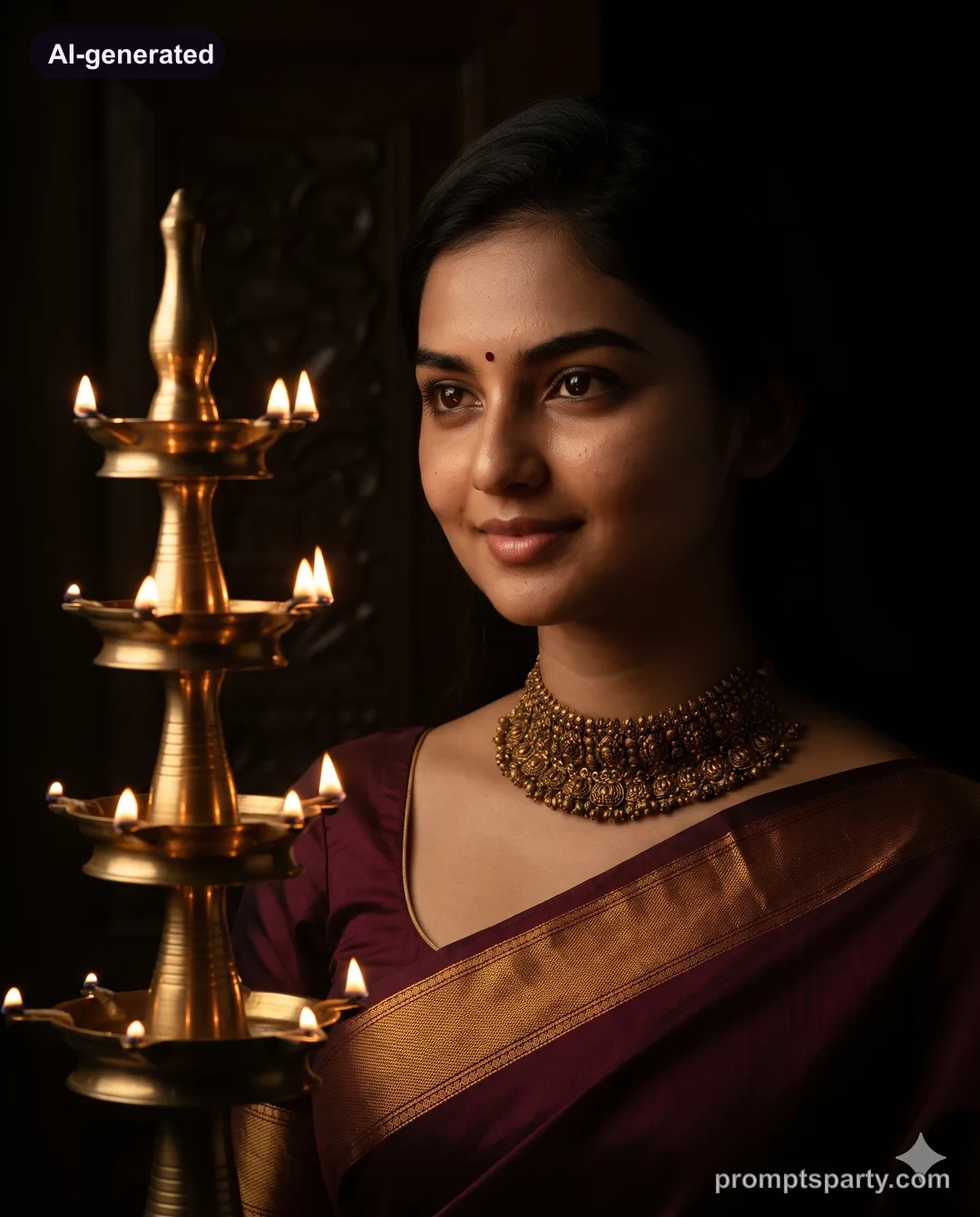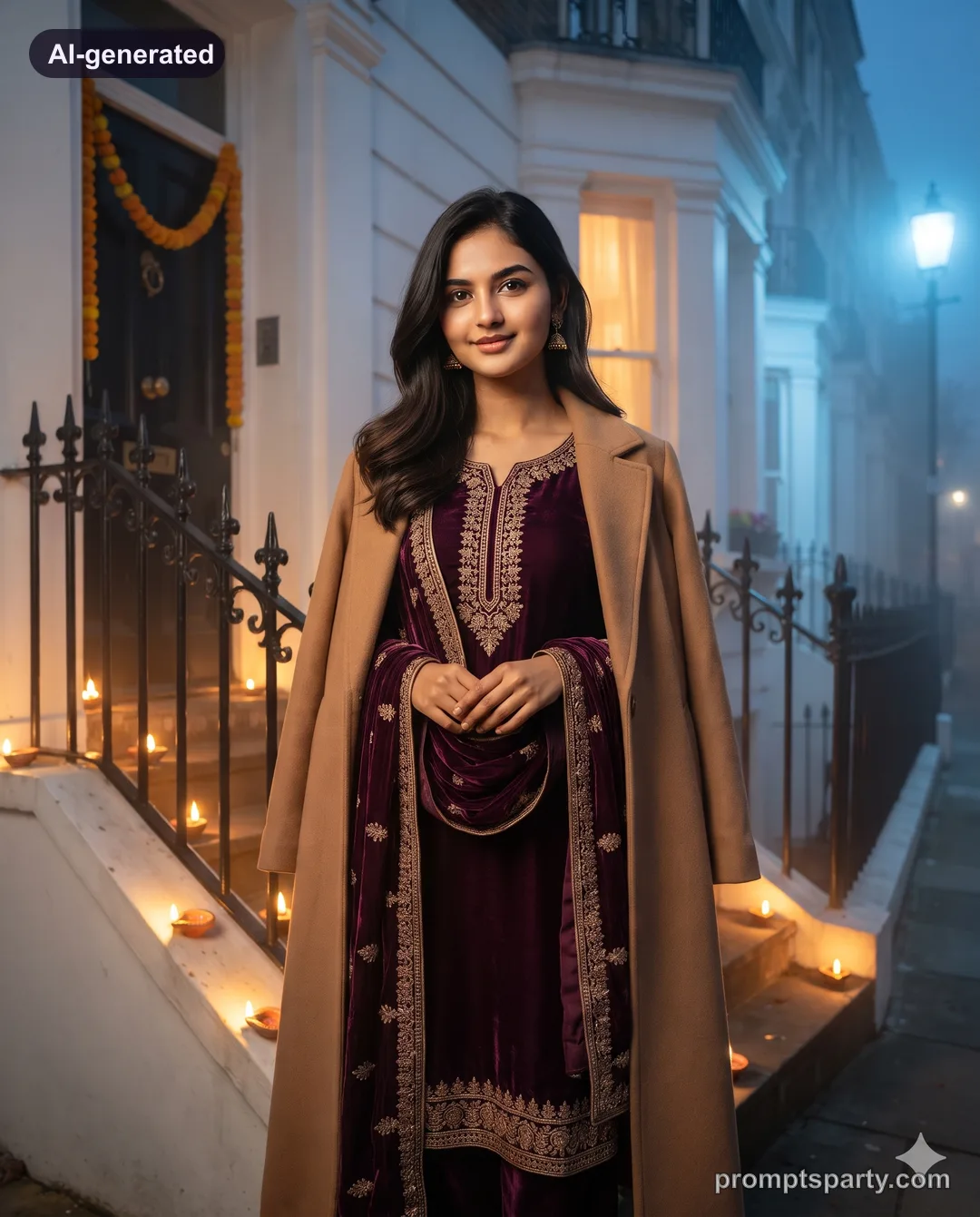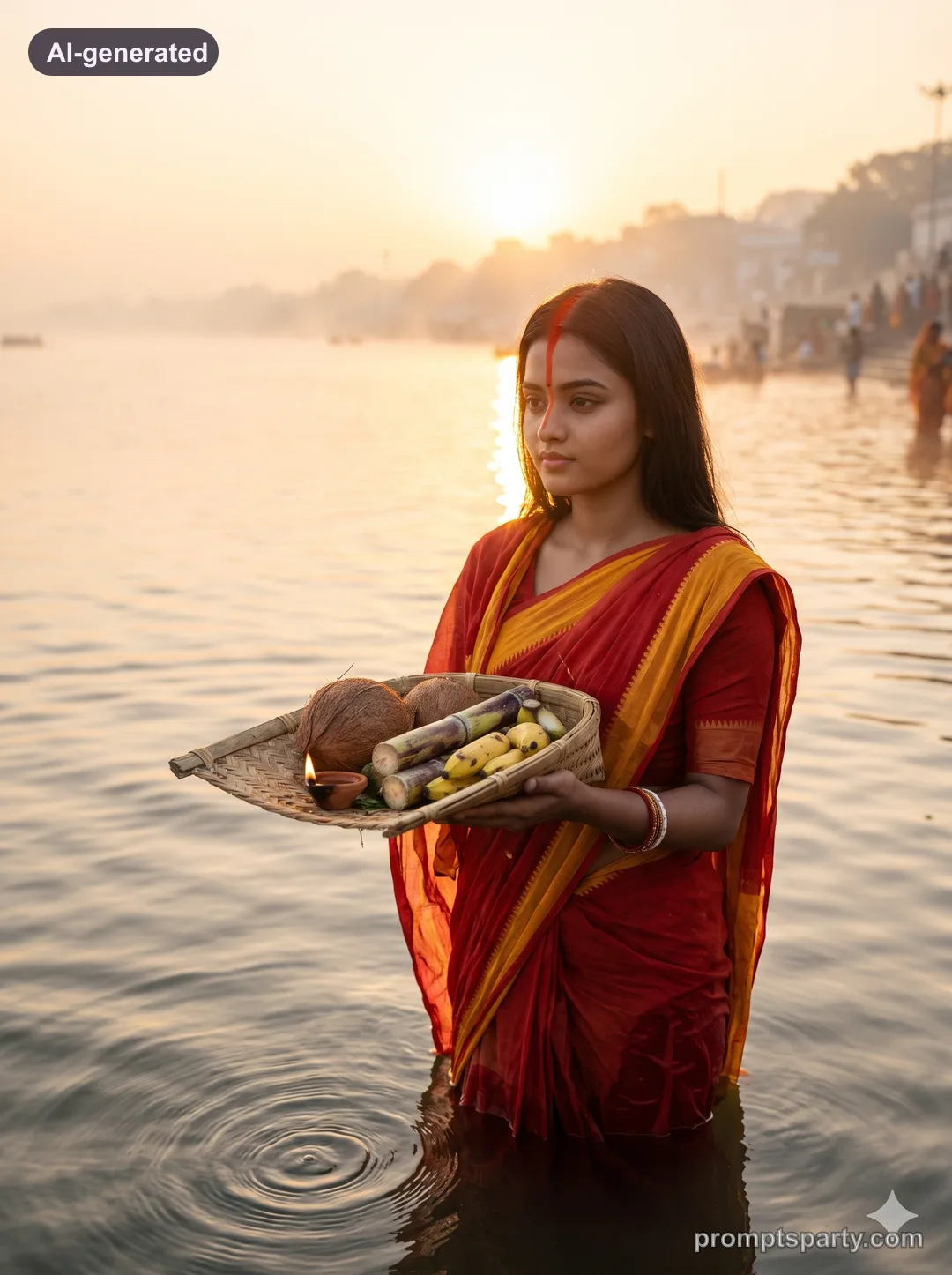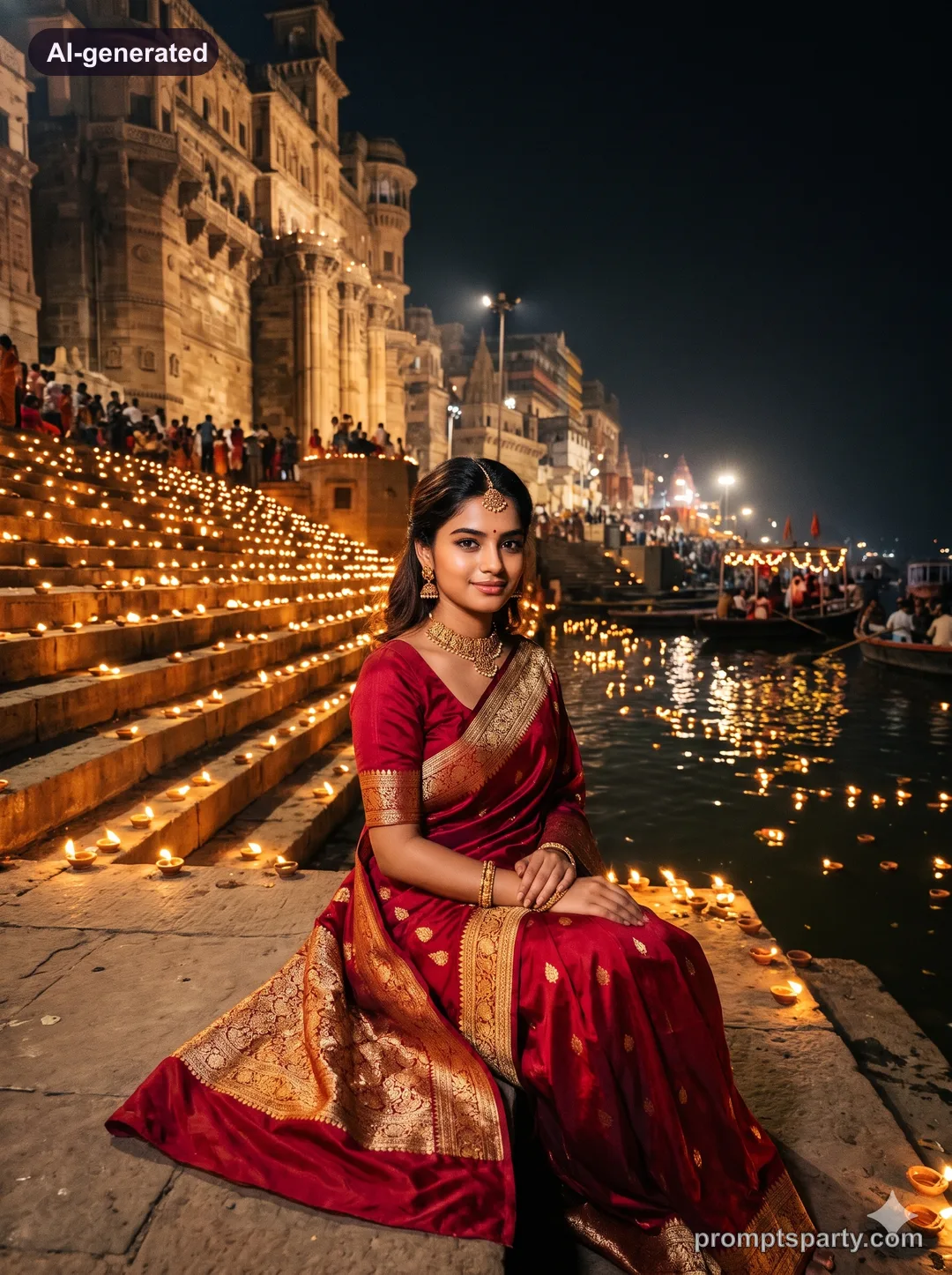

Diwali Night Selective Colour Diya Black and White AI Photo Prompt
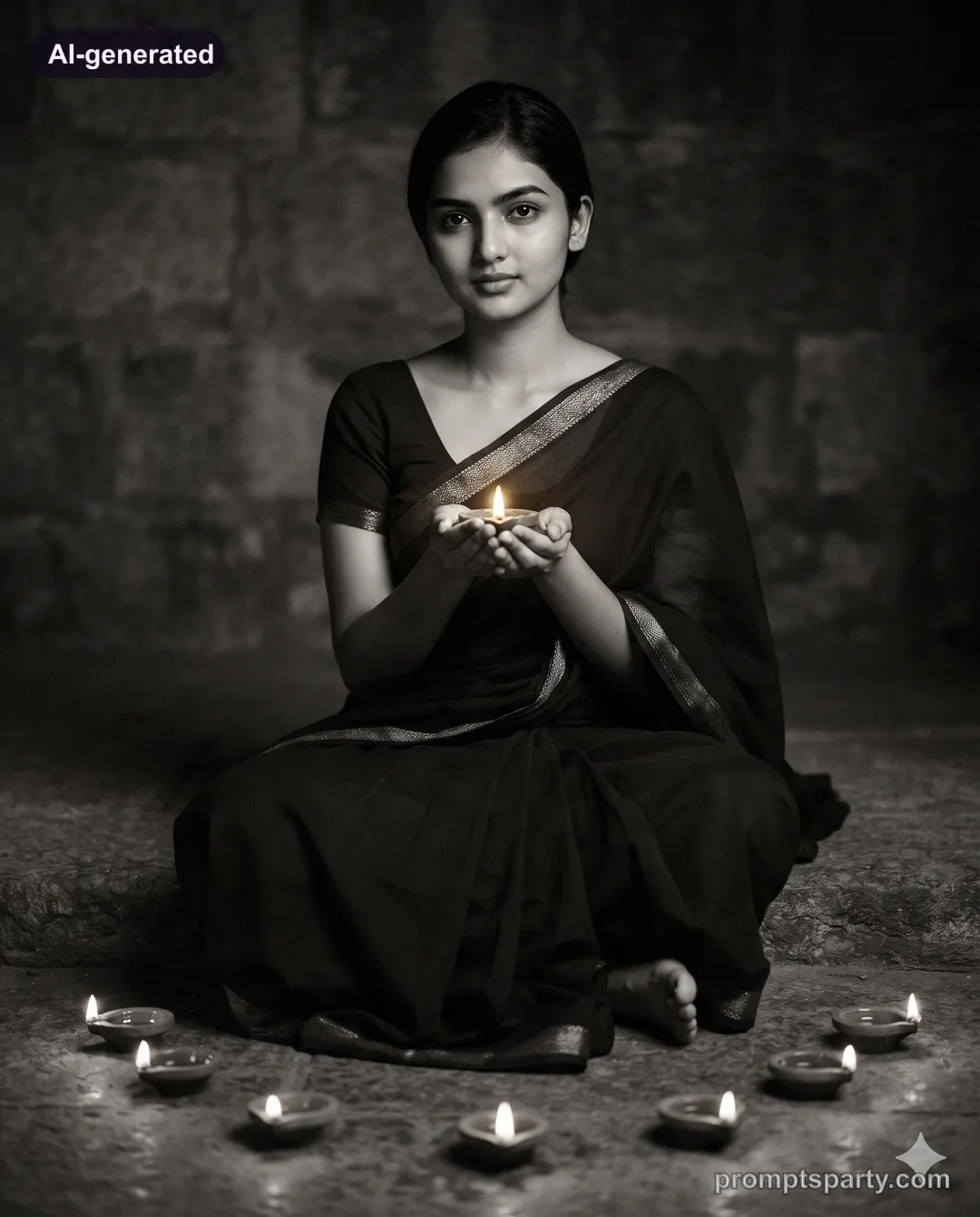
A striking black-and-white Diwali portrait where only the diya flames stay golden. Upload a clear photo to Gemini or ChatGPT.
 AI-generated
  AI-generated
 The prompt
Use my uploaded photo as the only face reference. Keep the person's face, features, skin tone and expression exactly as in the uploaded photo: same eyes, nose, lips, jawline, hairline, moles and marks; do not beautify, slim, lighten or age them. Create a fine-art black-and-white portrait: she sits on a stone step in a simple dark saree with a textured border, holding a lit diya in both palms at chin level, eyes looking just past the camera. Around her feet, a loose circle of eight more diyas. The whole frame is monochrome with deep blacks and silver mid-tones, except the flames and their tiny halo, which stay warm gold. Single flame light, strong falloff. 85mm f/1.8, centred composition, classic silver-gelatin grain. Avoid colour leaking into skin or fabric. Hyper-realistic photograph: natural skin texture with real pores and fine hair, true fabric weave and metal shine, no plastic smoothing, no extra fingers, no text or watermark. Aspect ratio 4:5.
For men
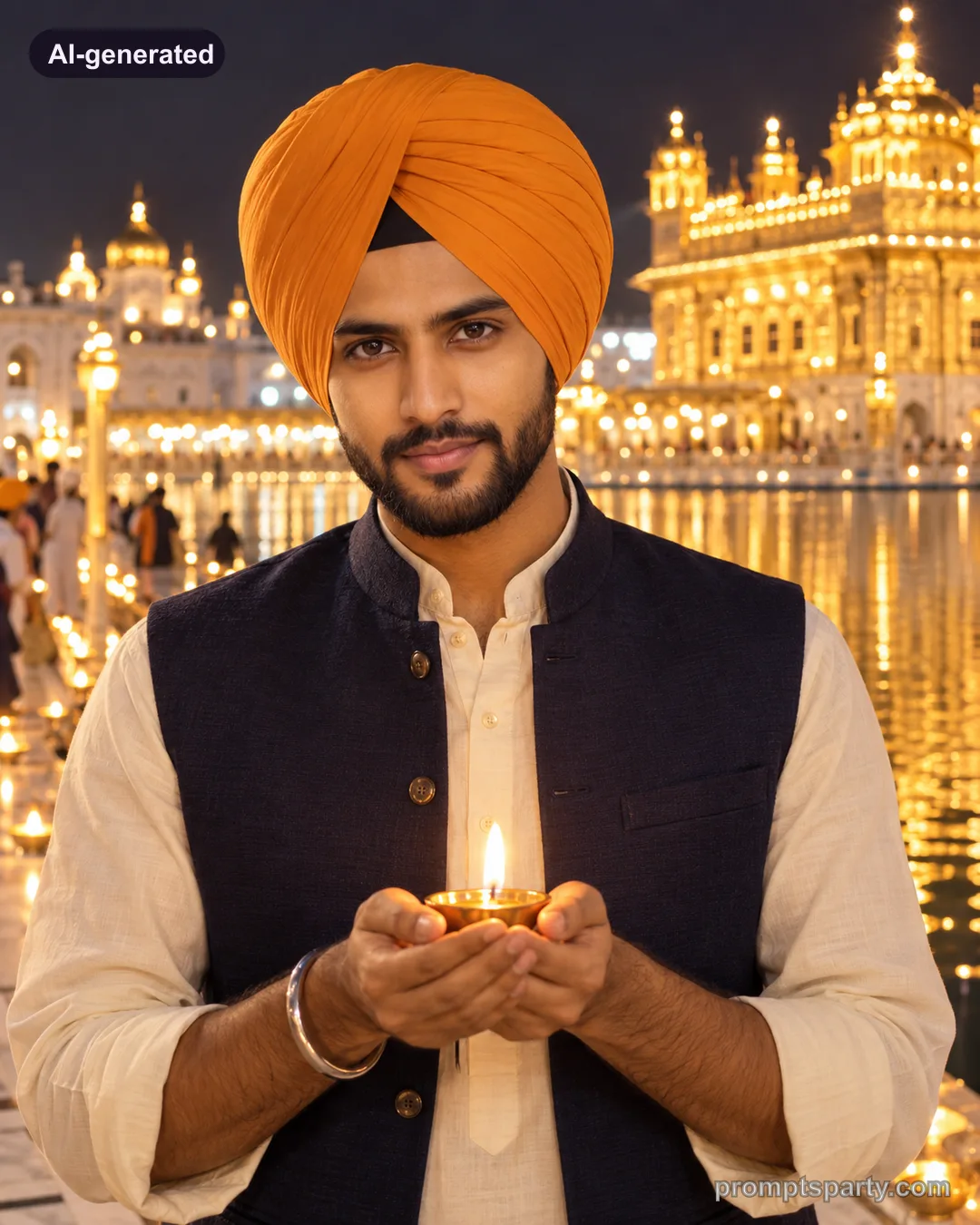
He sits on the step in a plain dark kurta holding the diya, same monochrome and golden flames.
For couple
Both hold one diya together between their faces, only the flame in gold.
Tips
- Selective colour is easier in Gemini; in ChatGPT repeat "only the flames in colour".
- High-contrast photos give the best monochrome result.
FAQ
Why does colour leak into my skin?
Add "skin and fabric fully monochrome" and regenerate.
Does it work in 9:16?
Yes. Change the aspect ratio for a story; keep the subject centred.
Did it work for you?
Only use photos you have permission to use. Sample images are AI-generated with our house models.